
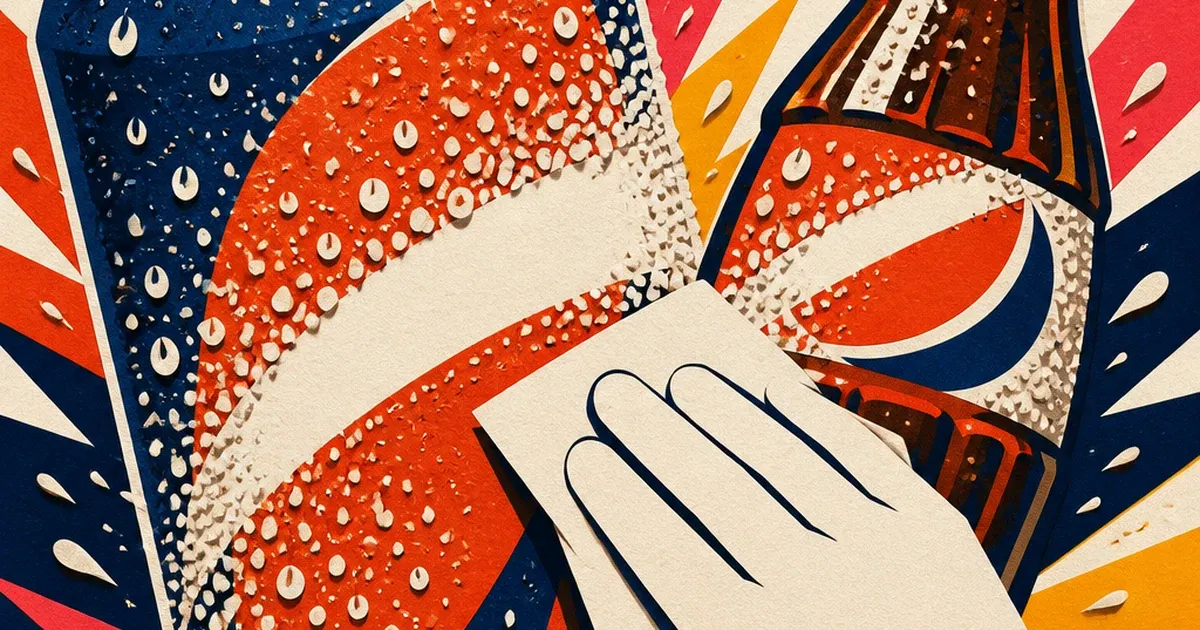
A can of soda under a studio light throws a hot white glare across the label. A cold bottle straight out of a fridge fogs over with condensation that hides the logo. A can shot on location has a shadow falling exactly where the flavor name sits. None of that is a bad photographer's fault. It is just what happens when you photograph something wet, reflective, and cold, then try to turn that single photo into a Facebook square, an Instagram Story, a TikTok vertical, and a Google Display banner without anyone touching the file in between.
Beverage and food brands live or die on the shelf edit in three seconds, and that edit now happens on a phone screen before it ever happens in a store aisle. CPG companies put $48.79 billion into US digital advertising in 2024, the second-highest spend behind retail itself, with direct-to-consumer strategy pushing a growing share of that money into channels where the product photo does all the talking (eMarketer, "CPG Digital Ad Spend Surges in 2024, Driven by D2C Shift," 2024). Packaging researchers at EyeSee have run behavioral tests on exactly this moment and found the average shopper spends about 1.5 seconds looking at a product image before deciding whether to keep scrolling, and that a clean, uncluttered hero shot can lift visibility by roughly 5% and sales by around 15% over a busier or lower-quality version of the same package (EyeSee Research, "From Zero to Hero: Understand Online Pack Shot Behavioral Testing," 2025). A glare streak or a fog haze eats directly into that 1.5-second window.
The two problems that show up on almost every beverage shoot
Glass and aluminum reflect. Cold liquid sweats. Put those two facts together and you get the two defects that show up on nearly every beverage product photo before it reaches an ad account: a blown-out reflection washing out part of the label, and condensation fog softening or hiding the exact text (flavor, size, claim) the ad is supposed to sell. A photographer on a real set fixes both with lighting rigs, polarizing filters, and careful towel work between takes. Most small and mid-size beverage brands do not have that set. They have whatever the co-packer or the warehouse photographer sent over.
That photo, glare and all, is what usually goes straight into the ad-generation pipeline. Whatever flaw it carries gets repeated across every size and platform variant the campaign needs, not fixed once and forgotten.
Fix the photo before you multiply it
Ad Studio's repair layer, enhance_asset_proxy, exists for exactly this step. It is a single tool that covers background swaps, denoising, sharpening, lighting and white-balance correction, and object removal, all chosen through one model field that pairs the fix to the flaw. For a beverage shot with glare and a distracting backdrop, the relevant op is a background swap paired with a lighting correction: pass the source imageUrl, describe the clean backdrop you want in the prompt, and preview the token cost before firing. The tool rejects fields the chosen op does not document, so a request only ever carries the parameters that specific fix actually needs.
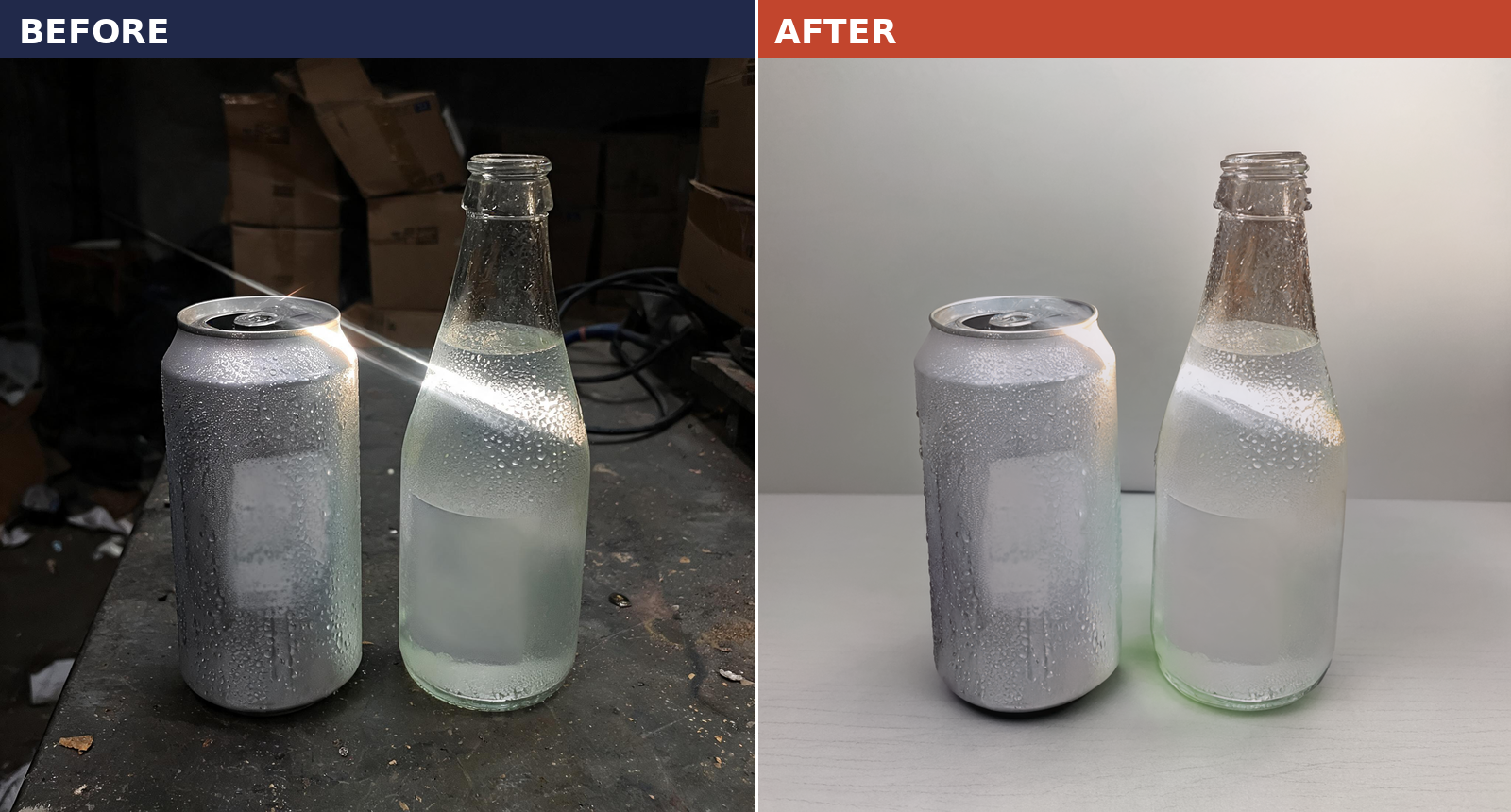
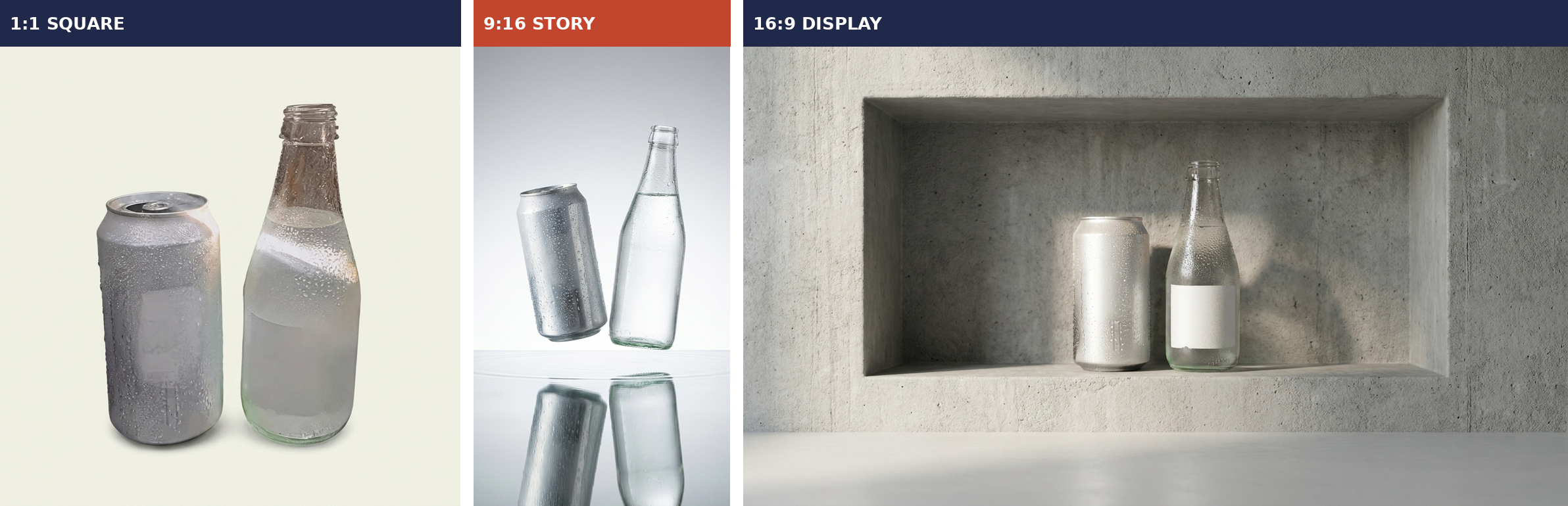
Once the source photo is clean, the fan-out step is generate_image_templates, Ad Studio's primary image-ad generator. One repaired bottle shot becomes a square Facebook post, a 9:16 Story, and a horizontal Display banner in one pass, all sized to the exact spec each placement expects, without a second photoshoot and without re-fixing the same glare on six different files.
Why beverage photography breaks pipelines that work fine for everything else
Most "how to generate better ad creative" advice assumes a clean starting photo. Apparel brands shoot on a mannequin under flat light. Skincare brands shoot on a dry countertop. Beverage brands are shooting something cold and wet next to something reflective, on purpose, because that is what makes the product look appetizing. The same condensation that sells a soda in a lifestyle shot is the thing that fogs over the exact label text an ad account needs sharp and legible. A pipeline that skips a repair step and jumps straight to resizing or localizing (Coinis's own resize and translate workflow is genuinely fast once the source is clean) just multiplies the same flaw across every market and format instead of fixing it once.
This is also a creative-fatigue problem in disguise. A brand that only has one usable bottle shot, glare-free and legible, tends to run that same shot until performance drops, the exact pattern already documented in mobile game ad creative fatigue: the fix there was more variety per source asset, not more source assets. A repaired beverage photo that can survive a background swap, a cinematic product-shot preset, and a full ad-size fan-out gives a beverage brand the same variety lever without a second production day.
Building this into a repeatable beverage launch step
The order matters. Repair the photo first with enhance_asset_proxy (background, glare, lighting), and only then hand the clean file to generate_image_templates for the size fan-out or to the cinematic product-shot preset for a hero angle. Doing it in the other order means resizing or restyling a photo that still has the glare baked in, which just produces six flawed variants instead of one.
For a brand running its ad account without a full-time photographer, this two-step chain (repair, then generate) is the difference between one usable hero shot and an entire launch kit: square feed posts, vertical Stories, and a Display banner, all legible, all from one bottle on one table.
FAQ
Does enhance_asset_proxy change the drink itself, the flavor, the can design? No. It repairs the existing photo (background, lighting, glare, focus) without altering the product. The label, the cap color, and the can shape stay exactly as photographed. What changes is what is distracting or damaging around them.
Can I fix condensation fog without losing the "cold and refreshing" look? Yes. The fix targets legibility (the label text and flavor name reading clearly), not the presence of condensation itself. A light, even fog that still reads as "cold" can stay. What gets corrected is fog dense enough to obscure the actual claim or name on the package.
Do I need a different photo for every ad platform, or does one repaired shot cover all sizes? One repaired shot covers all sizes. generate_image_templates handles the resizing and cropping into each platform's spec from that single clean source, which is the entire point of fixing the photo once instead of six times.
What if the original photo is too dark or too grainy to save, not just glare or fog? The same enhance_asset_proxy tool handles denoising and lighting/exposure correction as separate ops within the same surface, so a dim or grainy warehouse photo goes through the same repair-then-generate chain, just with a different model selection for the specific flaw.
The Coinis angle
A beverage brand does not need a new photoshoot every time a size or platform changes. Repair the one photo you have with Ad Studio's enhance_asset_proxy, then turn it into a full launch kit with generate_image_templates, and land the whole thing as a launch-ready ad through Ad Studio's templates instead of exporting raw generated images and building the ad by hand.
Sources
- eMarketer, "CPG Digital Ad Spend Surges in 2024, Driven by D2C Shift," 2024. https://www.emarketer.com/content/cpg-digital-ad-spend-surges-2024-driven-by-d2c-shift
- EyeSee Research, "From Zero to Hero: Understand Online Pack Shot Behavioral Testing," 2025. https://eyesee-research.com/knowledge/from-zero-to-hero-understand-online-pack-shot-behavioral-testing

Isidora Matovic
Author
Social media enthusiast and a full time researcher. She takes digital presence very seriously and that is why you are always in touch in what is going on with us! Follow us for more posts like this.